Fine-tuning a vision model on a Mac.
OptiQ now fine-tunes the language tower of a quantized vision-language model on image+text data, entirely on a 24 GB Mac. A LoRA on Qwen3.5-0.8B-OptiQ-4bit trained on ChartQA lifts strict exact-match from 26% to 40% and output similarity from 0.39 to 0.60 on held-out charts. The vision tower stays frozen; only the language tower learns. It needs no GPU or cloud, and you can run the whole flow (build the dataset, train the LoRA) from the OptiQ Lab.
The result
80 held-out ChartQA questions, base versus the LoRA, both with images letterboxed to a 512px canvas, scored three ways: ChartQA relaxed accuracy (substring or numeric-within-5%), strict exact-match, and a similarity ratio against the ground-truth answer string.
| Metric | Base | + LoRA | Δ |
|---|---|---|---|
| Relaxed accuracy | 50.0% | 55.0% | +5.0 pp |
| Exact match | 26.2% | 40.0% | +13.8 pp |
| Similarity | 0.385 | 0.598 | +0.21 |
You can see the difference in the samples. Asked for a value, the base answers "There are 10 food items shown in the bar graph" (right idea, wrong format, fails strict matching); the fine-tuned model answers "3". Exact-match nearly doubles. Relaxed accuracy moves a smaller +5 points: the bigger win is format and consistency, with a real gain in correctness on top.
Build the dataset in the Lab
The OptiQ Lab's dataset builder gained a VLM image+text template. Point it at any image+text dataset on the Hub (here, ChartQA), map the columns, and it standardizes and exports the JSONL the trainer reads.
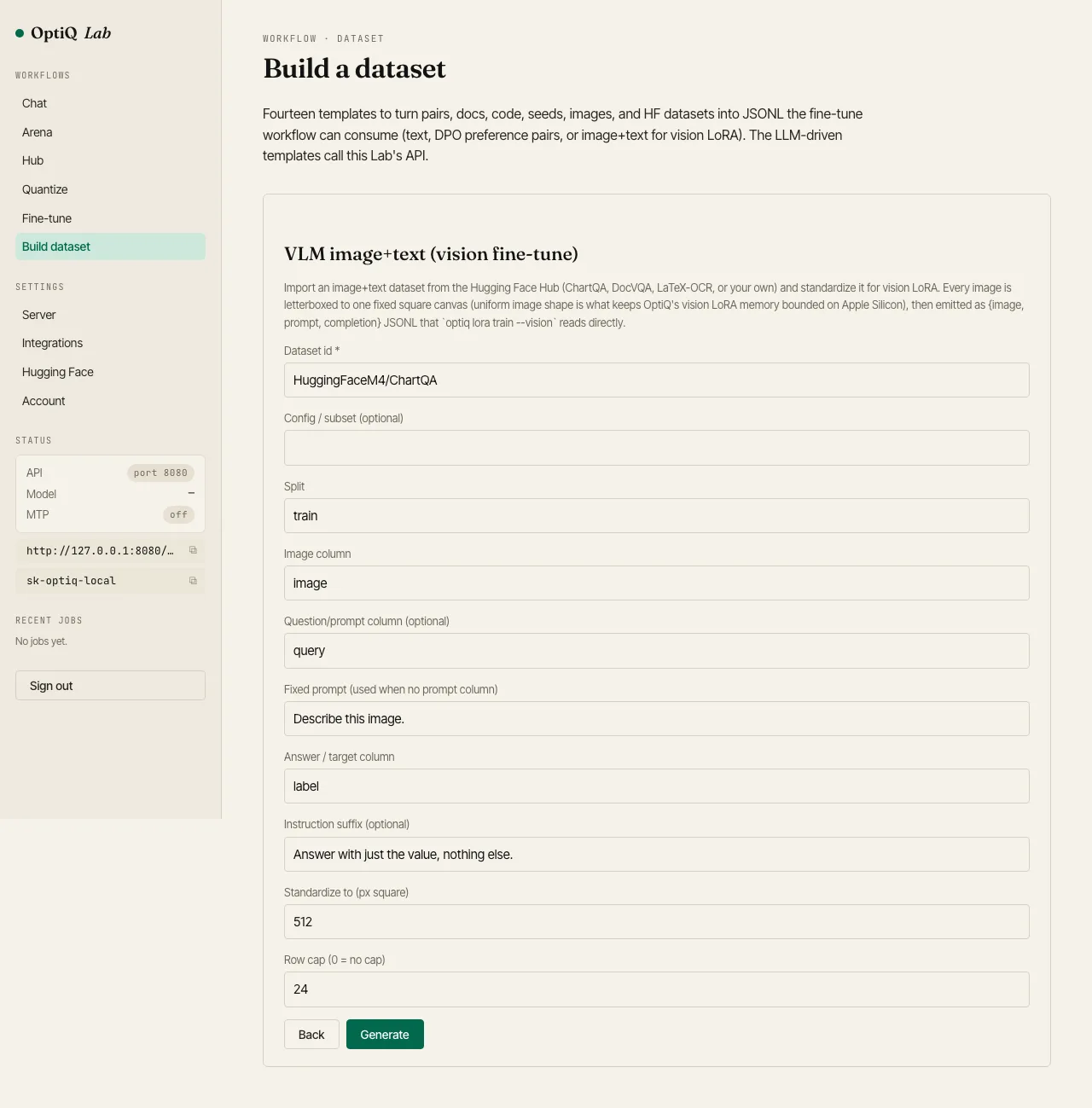
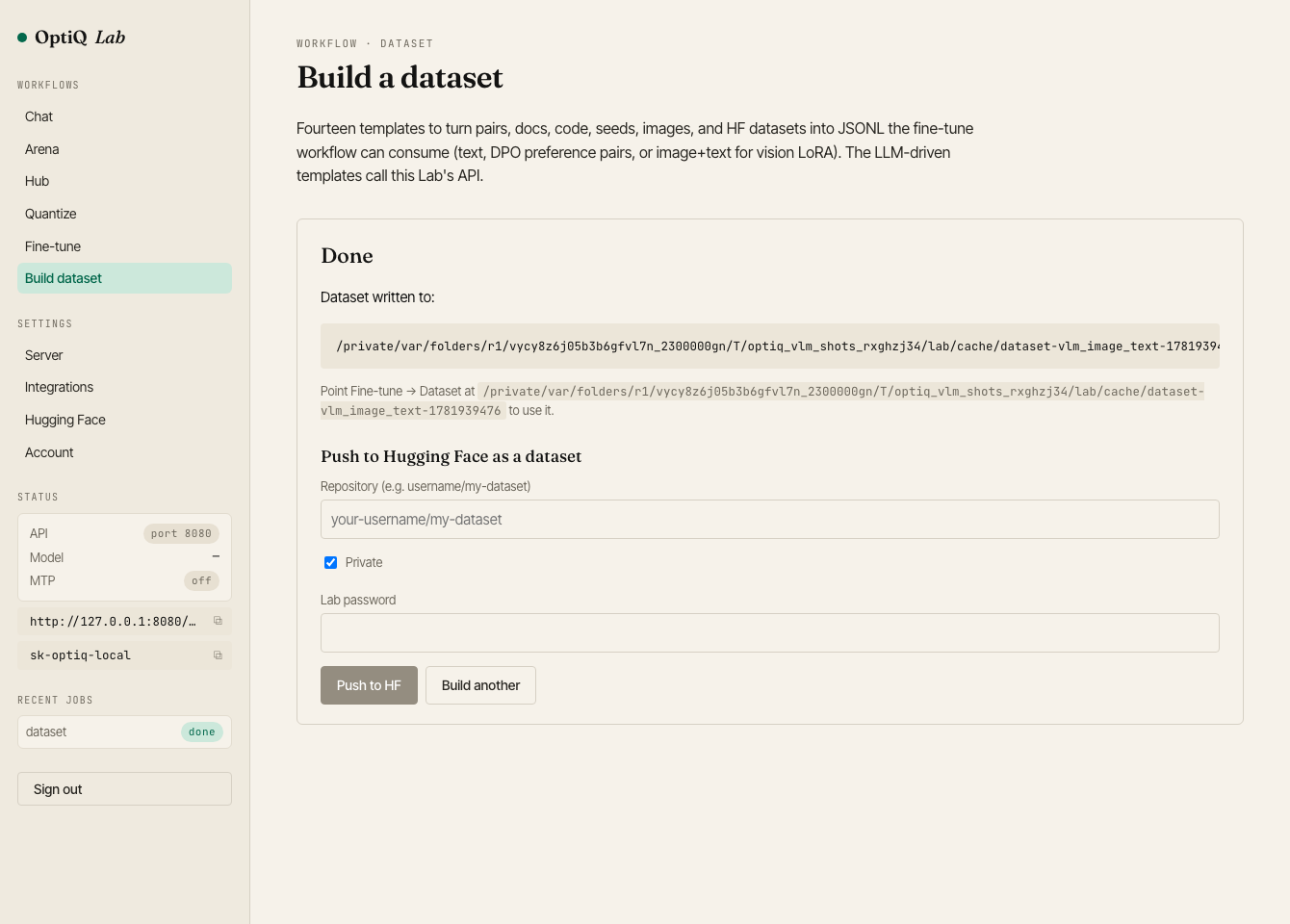
{image, prompt, completion} JSONL locally (optionally pushed to the Hub).Then fine-tune, also in the Lab
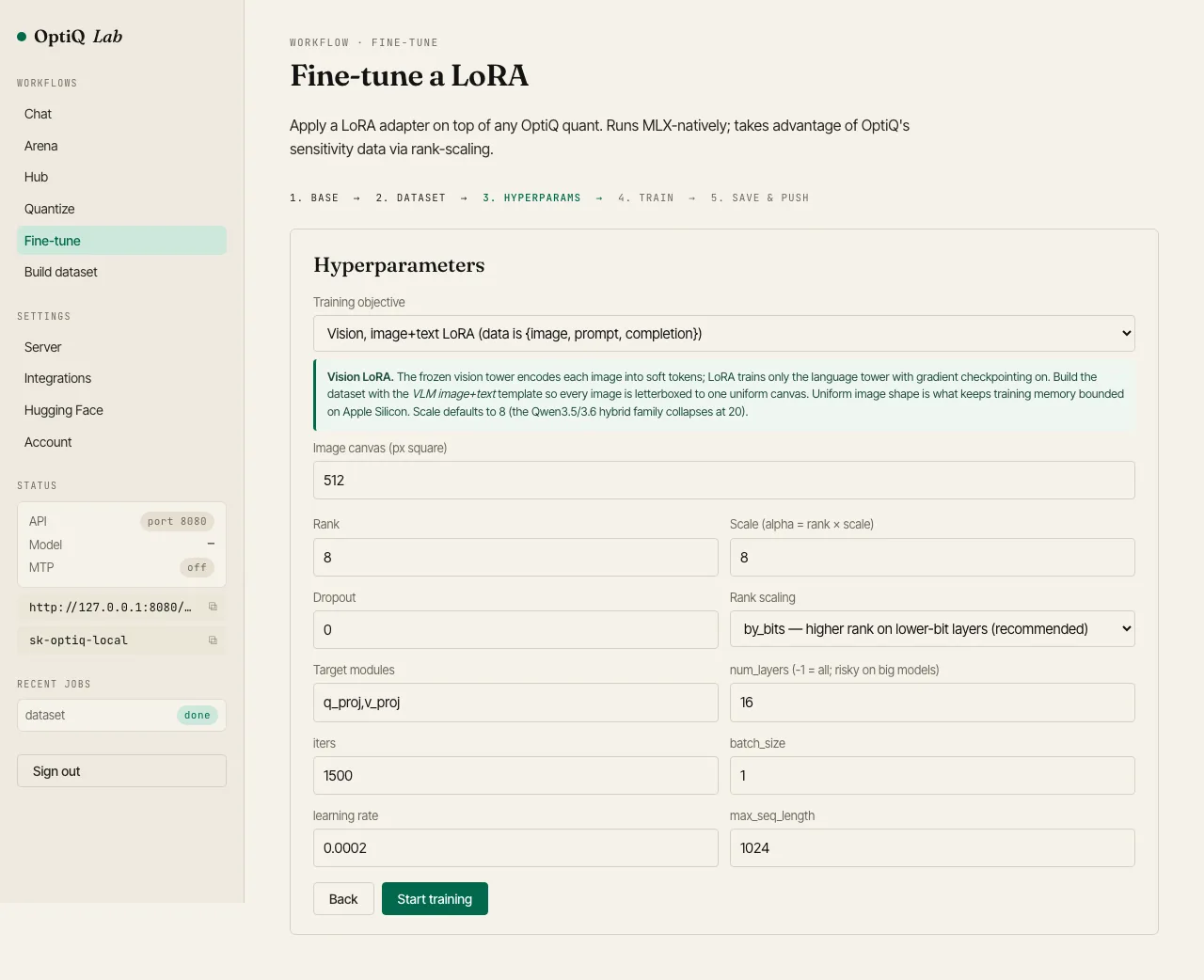
The Fine-tune wizard gained a Vision objective. Pick it, point at the dataset you just built, and the vision-safe defaults are pre-filled: a 512px canvas, scale 8, gradient checkpointing on.
Or three commands
$ pip install 'mlx-optiq'

# 1. prep an image+text jsonl (one row per {image, prompt, completion})
#    images letterboxed to a uniform canvas; see scripts/prep_chartqa.py

$ optiq lora train mlx-community/Qwen3.5-0.8B-OptiQ-4bit \
    --vision --data ./chartqa/train.jsonl \
    --rank 8 --iters 800 --learning-rate 5e-5 \
    --output ./chartqa-lora

$ optiq serve --model mlx-community/Qwen3.5-0.8B-OptiQ-4bit \
    --adapter ./chartqa-lora
--vision auto-engages when the model ships an optiq_vision sidecar. The vision tower is frozen; LoRA trains the language tower's attention and MLP projections with gradient checkpointing on.
How the training fits on a Mac
Two defaults keep a VLM LoRA inside 24 GB, both on automatically. Every image is letterboxed to a uniform square canvas, which holds the per-step memory constant. Gradient checkpointing recomputes each decoder block's activations in the backward pass instead of storing them, which fits the Qwen3.5 hybrid (gated-delta) attention backward in a few gigabytes. The vision defaults also set gradient clipping and a 5e-5 learning rate, which keep training stable on the short answers chart datasets use. A full ChartQA run holds above 6 GB free throughout.
Try it
The VLM image+text dataset template and the Vision fine-tune objective ship in the OptiQ Lab, and optiq lora train --vision is in the CLI. Point either at a 0.8B VLM quant and your own image+text data, and you have a local vision fine-tune that fits on a Mac.