A coding agent for your local model.
It drives whatever optiq serve is serving, a 4-bit quant on your MacBook or a 27B on a Mac Studio, through a read, edit, run-tests loop right in your terminal. It runs offline and stays on your machine.
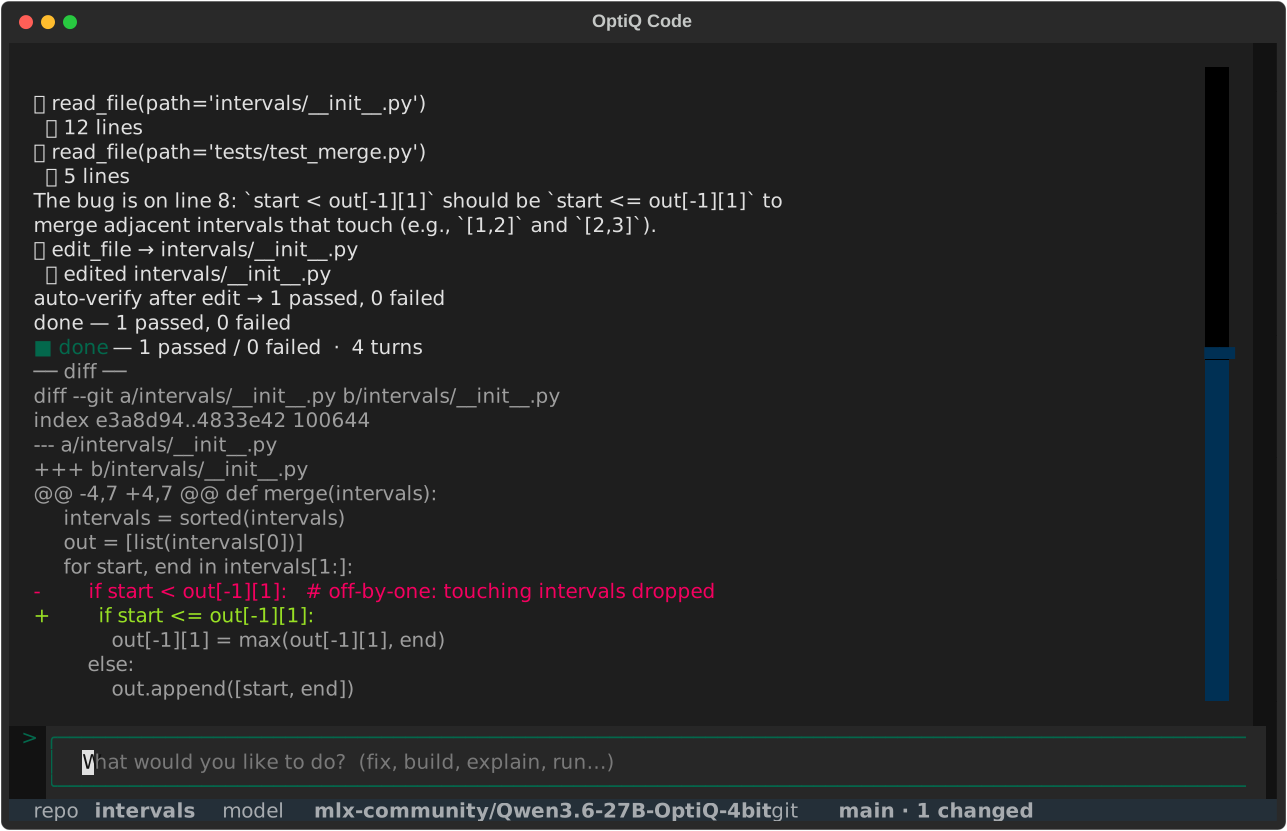
$ optiq codeIt runs the same loop as a cloud agent, locally.
Describe a change. OptiQ Code plans, edits, and runs your tests, turn after turn, until the suite is green, pausing for your approval on anything that writes.
Read the code
Searches and reads the files it needs, so the change is grounded in your actual code.
Make the change
Writes a precise diff, or rewrites a whole file when that is cleaner. You approve it.
Run the suite
Runs your tests, so it tracks the real pass/fail count.
Repeat
Feeds the failures back and tries again, until the tests pass or you stop it.
It handles the failure modes small models hit.
A small model often reasons its way to the right fix and then loses it on the mechanics. OptiQ Code targets exactly those failure modes, so the model you can actually run still lands the change.
git diff on every exit path, so it never returns an empty patch.Measured against other harnesses.
We put three coding agents on two public benchmarks. In each one, all three drive the same local model, so the agent is the only thing that changes. OptiQ Code scores highest on both. It resolves the most on SWE-bench-Lite, and on openbench it beats opencode by a small margin while using far fewer tokens.
| Benchmark | OptiQ Code | mini-swe-agent | opencode |
|---|---|---|---|
| SWE-bench-Lite 4-bit 4B local · % resolved |
36% | 25% | 0% |
| openbench core 4-bit 35B local · 8 tasks · score |
7.74 / 8 | 6.70 / 8 | 7.38 / 8 |
You stay in the loop.
A session banner that scrolls away, an open prompt, inline tool markers, and single-Enter approval before anything writes to your files. Or let it run unattended in auto mode.
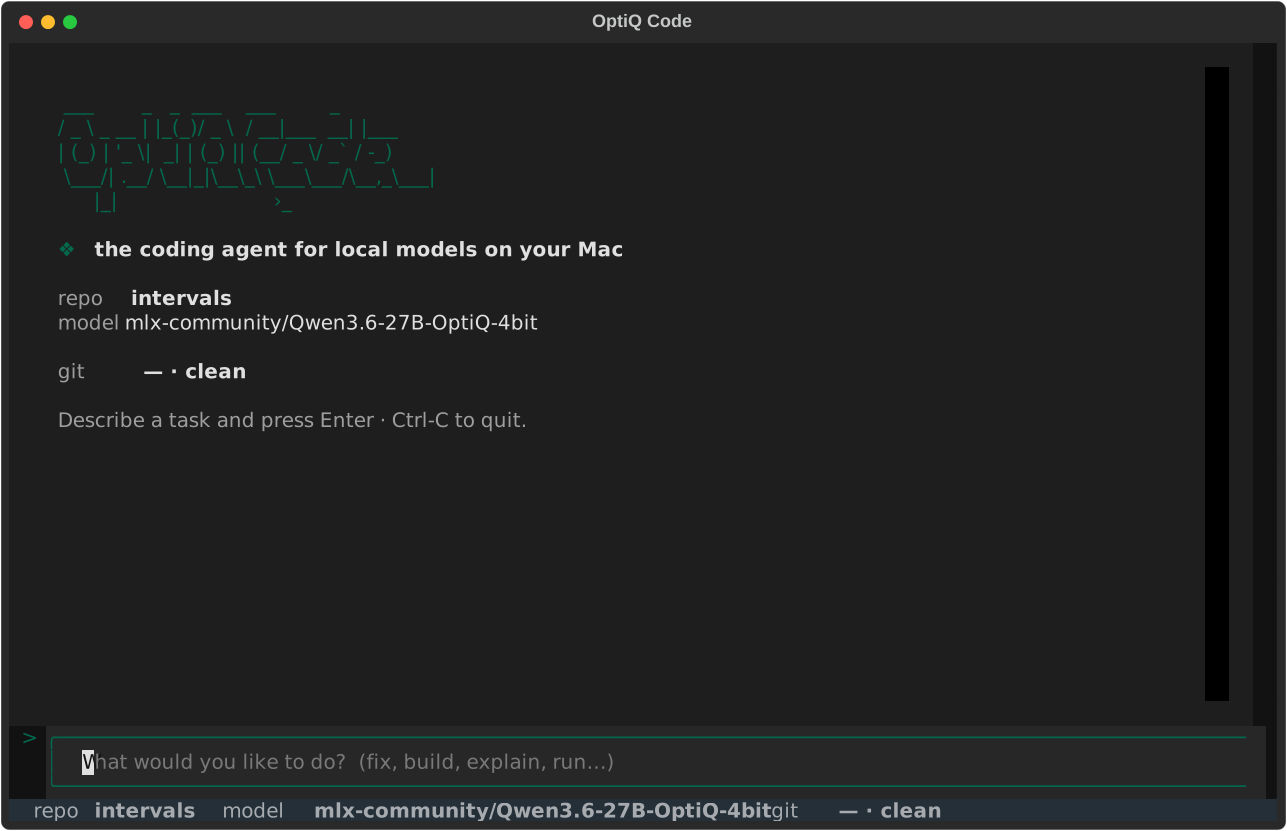
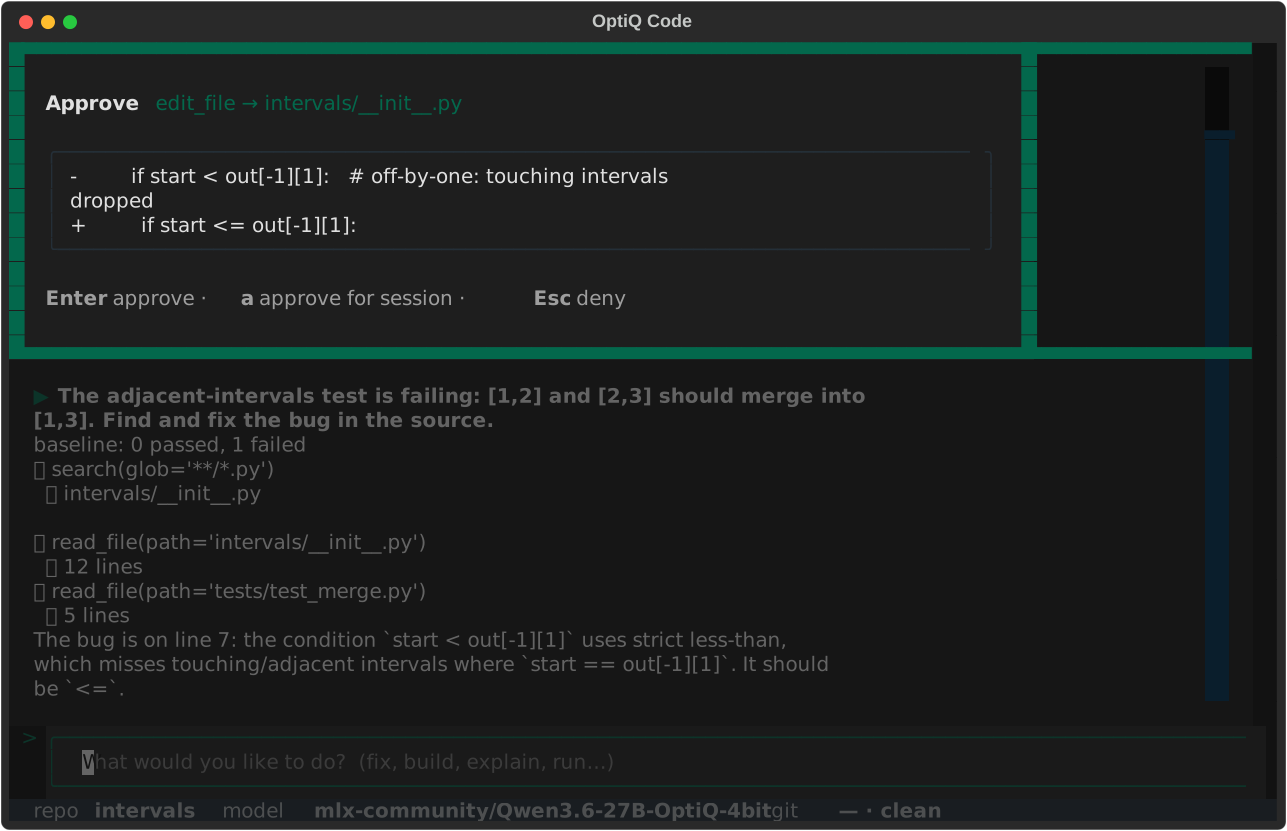
Serve a model, then run Code in your repo.
Serve a model
--idle-timeout frees the RAM when you step away and reloads on the next turn.
$ optiq serve --model mlx-community/Qwen3.6-27B-OptiQ-4bit --idle-timeout 300
Launch in a repo
Zero config, it discovers the served model. Describe the change; approve edits with a single Enter, or run auto.
$ cd my-project && optiq codeOr run it headless
Auto-approve, run to completion, print the diff, exit non-zero if the goal was not met.
$ optiq code -p "Fix the failing test in parser.py"
$ optiq code -c            # resume the last session
$ optiq code export -o s.jsonl
$ optiq code --preset plan          # read-only: investigate, propose, change nothing
$ optiq code -p "..." --preset minimal   # benchmarking: two tools, no harness
Run a coding agent on your own model and machine.
It runs locally, with no per-token billing.